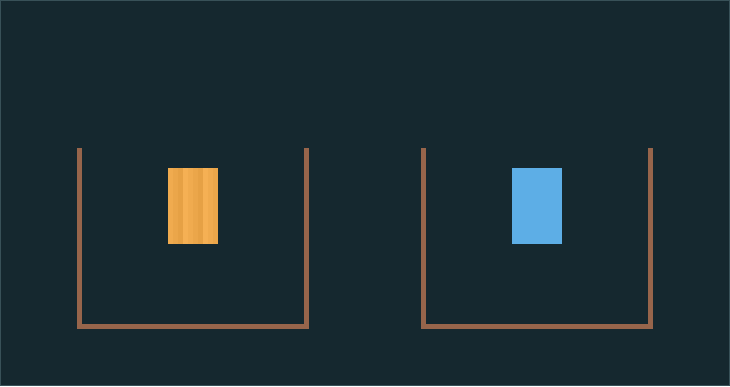
Experiment result: water covered 39 floor cells, sand covered 27
In three runs of the same setup, water occupied 39 of the 44 cells just above the cup floor. Sand occupied 27 of 44. Both cups still held their original 150 material cells when we measured them after 120 simulation steps.
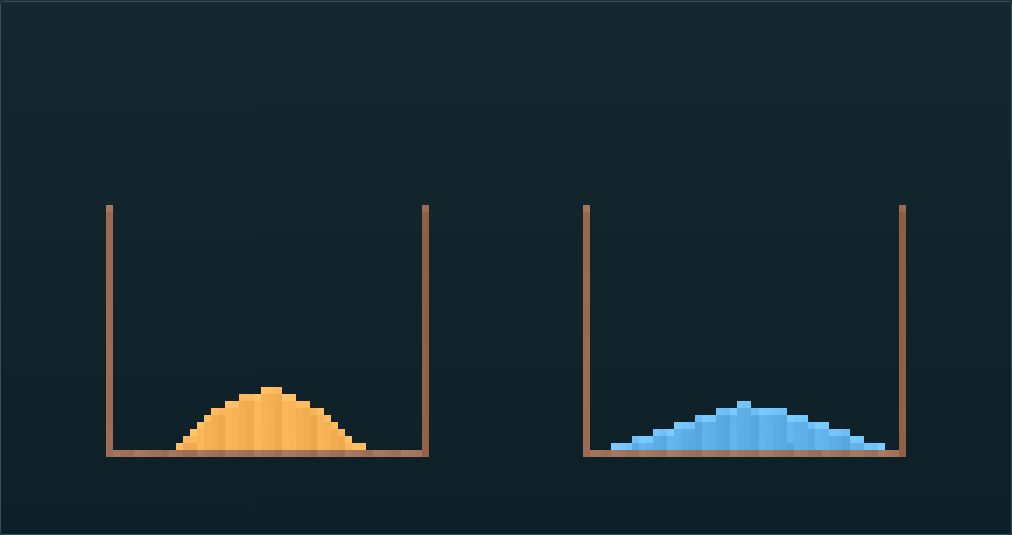
| Measurement after 120 steps | Sand, left cup | Water, right cup |
|---|---|---|
| Material cells in the cup | 150 | 150 |
| Cells occupied in the row just above the floor | 27 of 44 | 39 of 44 |
| Highest occupied cell, measured up from the floor | 9 cells | 7 cells |
Tested November 21, 2026, in Chromium on the desktop version of this page. We reset the same preset before each run, paused the board after 120 simulation updates and counted the colored cells directly from the canvas grid. All three runs gave the same counts. This measures this simulator's grid, so the numbers describe this preset.
Repeat the comparison
- Select Open the comparison. The board starts paused. Both cups are 44 cells wide on the inside, with 150 cells of material suspended at the same height.
- Select Resume. Watch the row immediately above each cup floor. Once the two shapes have formed, select Pause to examine them.
- Open More → Sand vs. water to restore both cups and repeat. Use Clear if you want an empty board.
Change one condition
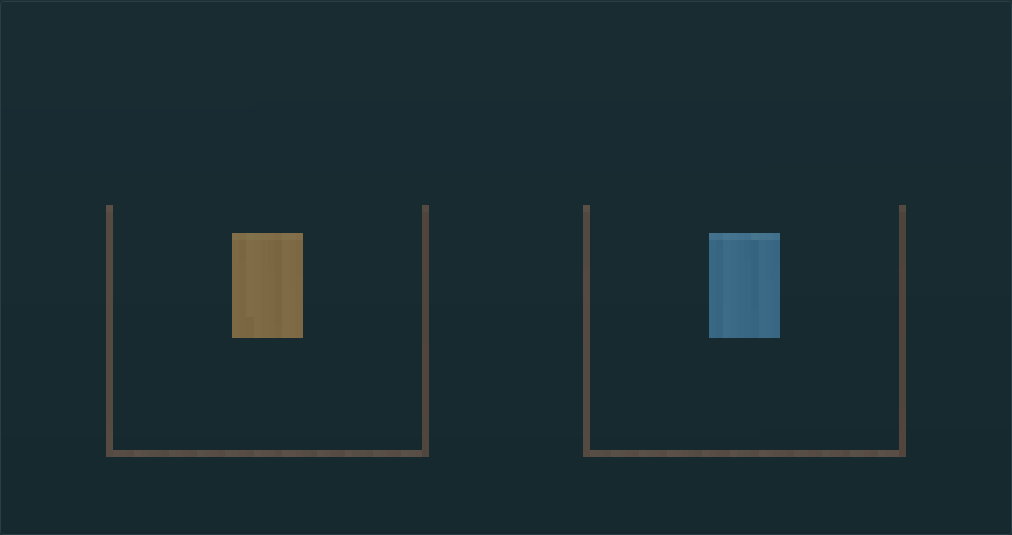
Reset the preset. While paused, select Wall and add one short barrier near the center of the right cup. Resume and see whether the water splits or goes around the barrier. Reset again before changing a second condition.
With a keyboard, Tab to the canvas, move the brush with the arrow keys and press Space. Use Erase to open a gap in the wall.
Why does the water cover more of the floor?
Sand can fall vertically or diagonally into an open cell. Water can also step sideways when blocked below. Those rules let water spread along the floor while sand piles up. Real water has properties this grid does not model, such as fluid pressure.
Try the other sand experiments or open the free-form sandbox.