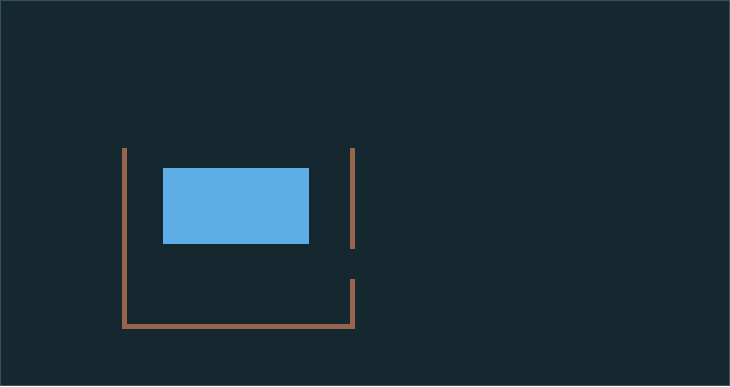
Keep the water behind the dam
Open the challenge and look for the gap in the right wall. The board stays paused while you place a wall. Use the brush to seal the gap, then select Resume. When the simulation finishes, it tells you how many of the 435 water cells stayed behind the dam.
A larger brush can cover the gap in one move. A smaller brush lets you build more precisely. On a touch screen, drag where you want the wall. With a keyboard, focus the canvas, move the brush with the arrow keys and use Space to draw.
Retry the same challenge
Choose Restart challenge to restore the starting board for that date. Try a different wall and compare the two results. Each run uses the same number of simulation steps so you can compare complete attempts.
In the daily setup, the wall brush is available. Open Demo or Sand vs. water if you want to switch to free play or compare materials.
Send a setup to a friend
Choose Share setup to copy the dated starting link. Your friend can open that same setup, even after the challenge changes the next day. After a run, Share result copies the count and that same link. Choose Save PNG to keep a picture of the board you made.
The challenge changes at midnight UTC. Earlier dated links still work. You can use the main page for free play, or open the side-by-side comparison to see how two materials settle under the same conditions.